Take a two-minute pause
Two quiet minutes by a still lake. Choose how long, press Begin, and let the time pass.
It fades in as you begin. Your device’s volume still decides how loud it is.
Turn this off if you use a screen reader or switch device, or if keeping still is hard. The pause is just the same.
How the pause works
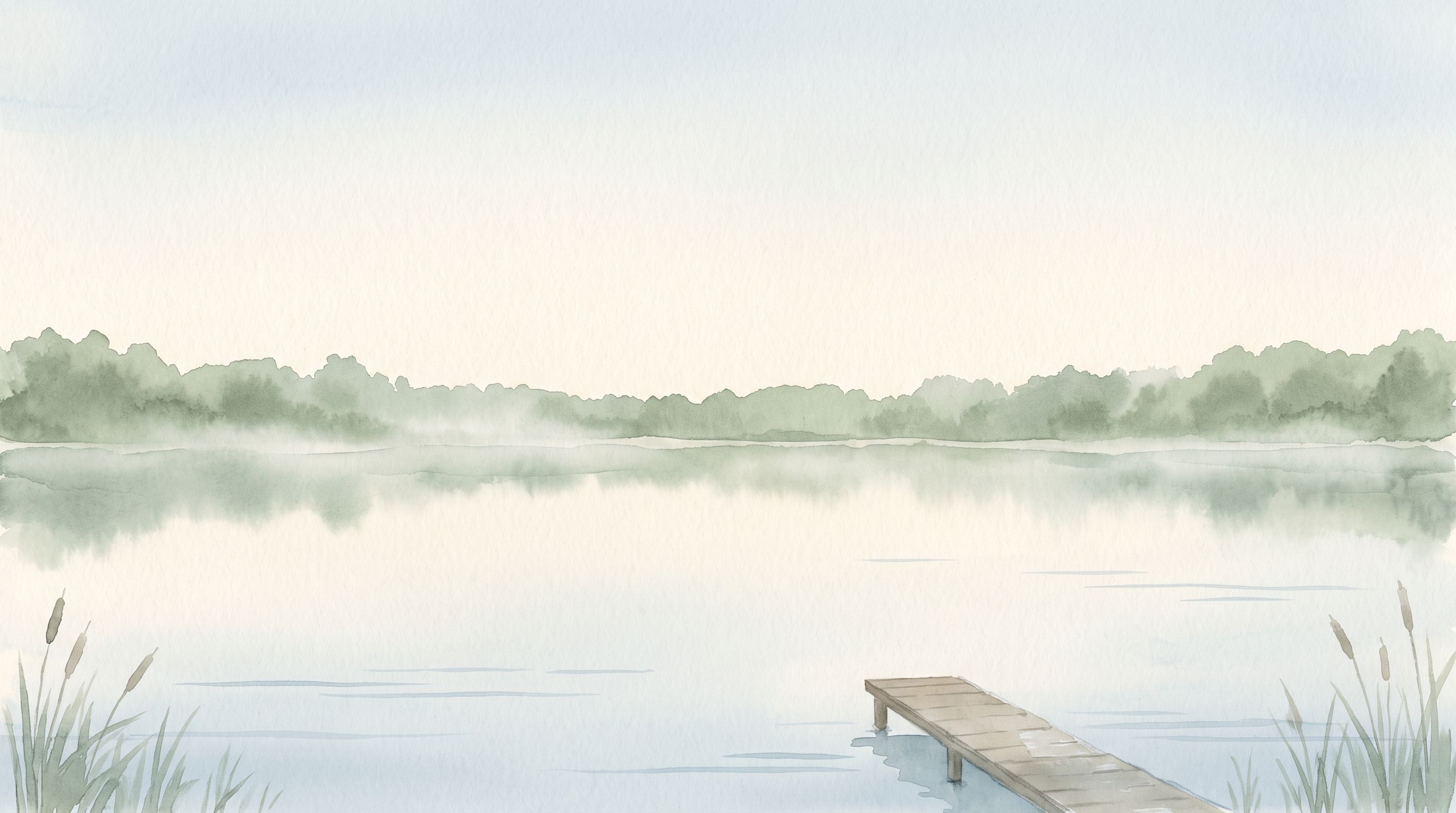
Choose one, two or five minutes and press Begin. A watercolor of a still lake fills the screen, a soft sound fades in, and a small timer counts down at the top. If you move the mouse, touch the screen or press a key, the timer quietly starts again. To stop at any time, press Escape or choose End the pause.
If keeping still is hard
Not everyone can keep still, and that’s fine. If you use a screen reader or a switch device, have a tremor, or have a child on your lap, turn off Start again if I move. The timer then runs straight through, and the pause is just the same. Every part of the page works with a keyboard.
Why pause for two minutes?
Two minutes is short enough to fit between one thing and the next. There’s no technique to get right and nothing to achieve. You might notice a sound you’d stopped hearing, or the weight of your hands, or nothing much at all. That counts too.
Nothing is recorded
The pause keeps no score: no streaks, no counts, no record of how often you come. This browser remembers only your choices (the length, the sound and the restart setting), so they’re ready next time.